🔴 Scammer ("Steve Wilson")
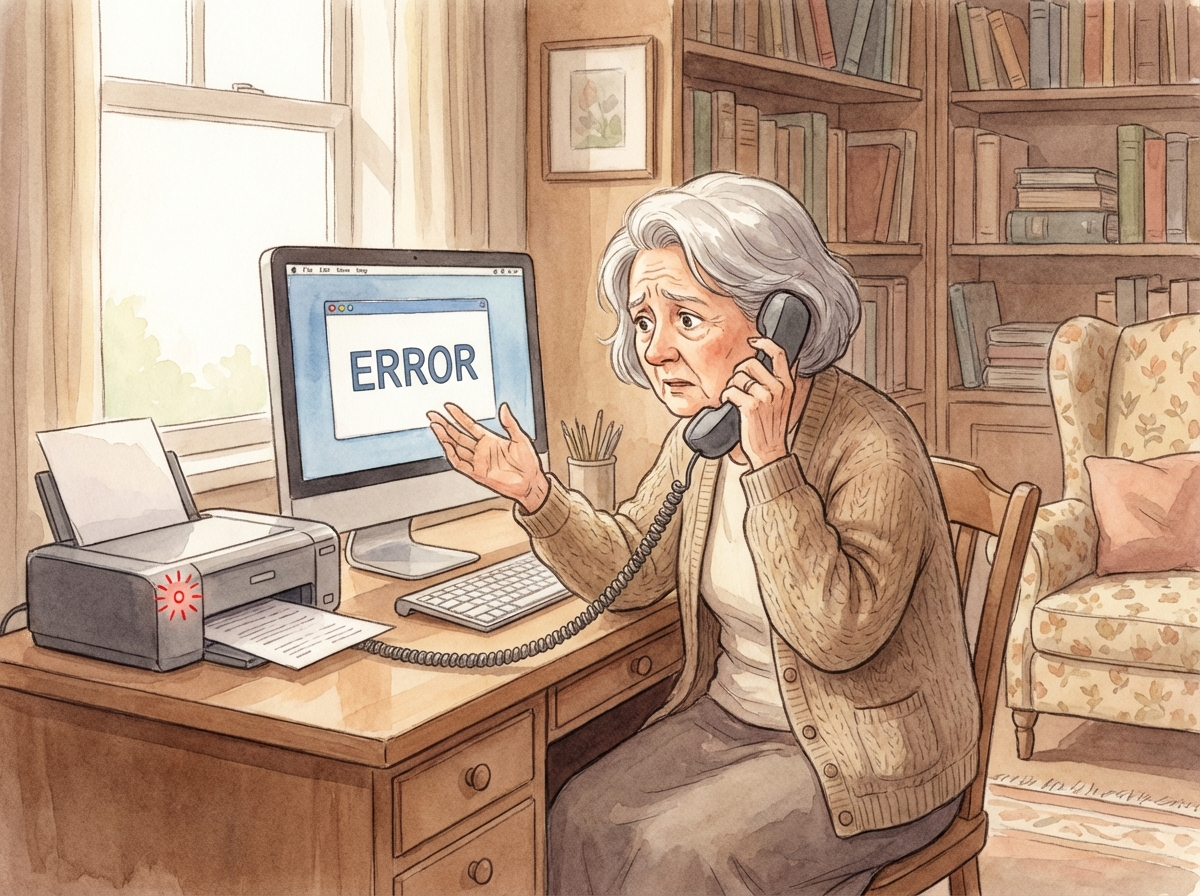
Thank you for calling HP Printer Technical Support. My name is Steve Wilson and I am a Level 3 certified technician. How may I help you today?
💡 用假西方名字。「Level 3」暗示佢好高級。語氣好專業。
🔵 Victim (Margaret)
Hi, my HP printer says it's offline but it's turned on. I can't print anything.
🔴 Scammer
I'm sorry to hear that ma'am. This is actually a very common issue and I can definitely help you resolve it today. Before we proceed, may I have your name please?
💡 「very common issue」令你覺得佢見慣見熟。問名係為咗建立親密感。
🔴 Scammer
Thank you Margaret. And can you tell me the model number of your printer? It should be on a sticker on the front or top of the printer.
🔵 Victim
It says HP OfficeJet Pro 8025.
🔴 Scammer
Ah yes, the OfficeJet Pro 8025. Margaret, I can see from our system that there have been multiple reports of connectivity issues with this model. It may be a driver conflict or it could be something more serious affecting your computer's print spooler service. To properly diagnose this, I would need to take a quick look at your computer remotely. Is that okay?
💡 「from our system」— 純屬虛構,佢根本冇任何系統。用「something more serious」製造緊張感。將遙距控制正常化。
🔵 Victim
Oh, okay. What do I need to do?
🔴 Scammer
It's very simple Margaret. I'm going to walk you through it step by step. First, can you open your web browser? That's the program you use to go on the internet — it might be Google Chrome or Microsoft Edge.
🔵 Victim
Okay, I have Chrome open.
🔴 Scammer
Perfect. Now in the address bar at the top, I need you to type: A-N-Y-D-E-S-K dot C-O-M. That's anydesk.com. This is a secure remote support tool that HP uses for technical assistance.
💡 大話:AnyDesk 係合法軟件但 HP 根本唔會用佢做支援。騙徒用佢係因為免費又易裝。
🔴 Scammer
Now click the big green button that says "Download Now". Once it downloads, go ahead and open the file... Great. Now you should see a 9-digit number on your screen. Can you read that to me please?
💡 呢組 9 位數字就係鎖匙。講出嚟 = 交出整部電腦嘅控制權。呢個係不歸路。
🔵 Victim
It says 482 957 113.
🔴 Scammer
Thank you Margaret. I'm connecting now... You'll see a popup asking if you want to allow the connection. Please click "Accept".
🔴 Scammer
Okay Margaret, I'm now connected and I can see your desktop. Let me run a quick diagnostic...
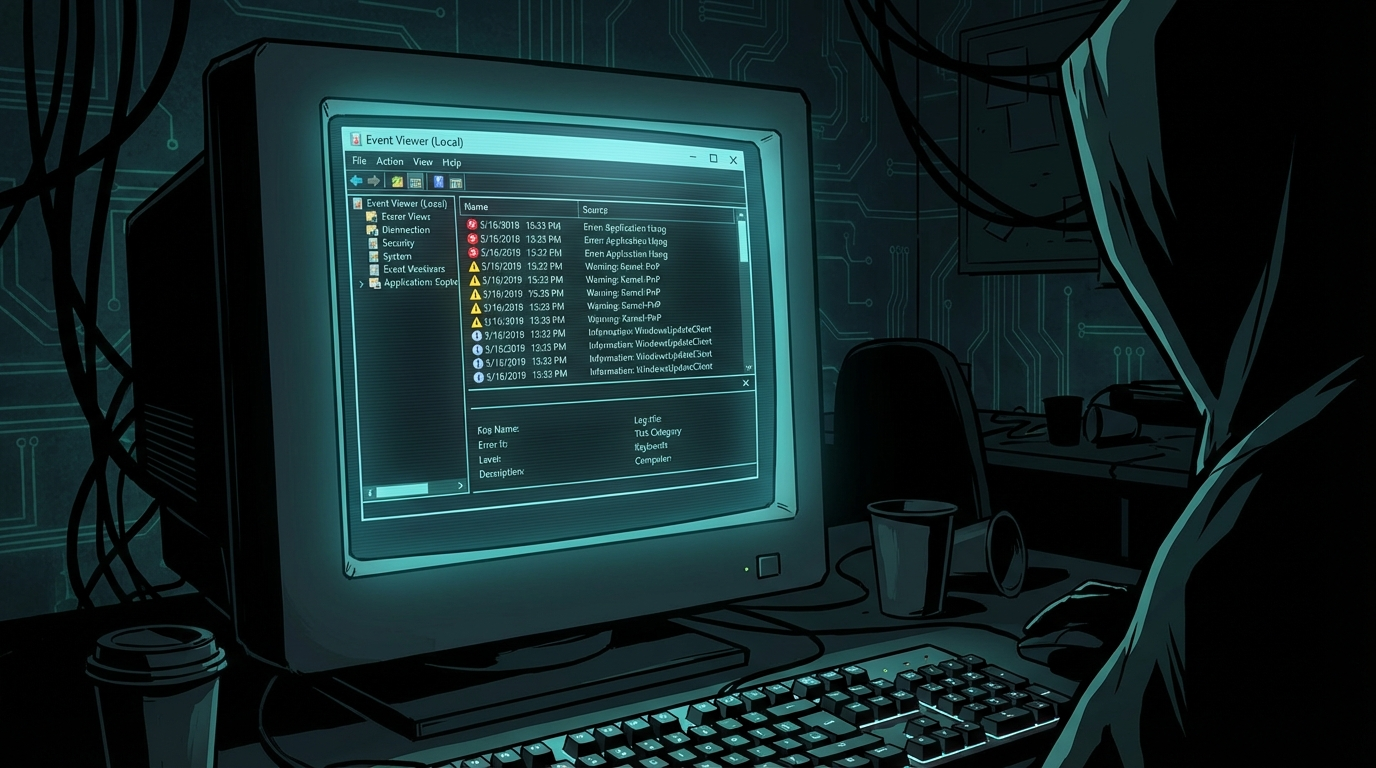
*打開 Command Prompt,快速打字*Hmm. Margaret, I need to show you something. I'm going to open a system tool called Event Viewer. Do you see these red and yellow warnings?
💡 Event Viewer 喺每一部 Windows 電腦上都有幾百個紅色同黃色警告。呢啲係正常嘅系統日誌,完全唔代表有問題。騙徒利用你唔識嚟嚇你。
🔵 Victim
Oh my, there are so many errors! Is that bad?
🔴 Scammer
Margaret, I'm going to be very honest with you. These errors indicate that your computer has been compromised. I can see signs of malware infection, and this is likely what's causing your printer issue as well. But the printer is actually the least of your concerns right now.
💡 經典轉移 — 由打印機問題跳去「你部電腦中咗毒」。打印機問題?冇人再提㗎喇。
🔴 Scammer
Let me show you something else...
*打開 Command Prompt,輸入:netstat -an*Do you see all these foreign IP addresses? These are active connections to your computer. Some of these are coming from suspicious locations. This means someone may already have access to your personal files — your banking information, your passwords, your photos.
💡 netstat 顯示所有網絡連接(Chrome 分頁、Windows Update 等等)。每部電腦都會顯示幾十個 IP。冇一個係「黑客」。
🔵 Victim
Oh no! My banking... I do online banking on this computer!
🔴 Scammer
I understand your concern Margaret, and you're right to be worried. But don't worry — we caught this early and we can fix it. Let me also check one more thing...
*輸入:tree C:\ /f — 檔案列表瘋狂滾動*Do you see how fast these files are scrolling? That's showing all the files that have been potentially accessed. There are thousands of them.
💡 tree C:\ /f 只係列出硬碟上所有檔案。佢永遠都會好快咁滾。同「被入侵」完全冇關係。
🔴 Scammer
Margaret, here's what I recommend. We need to do three things: First, clean the malware infection. Second, install enterprise-grade security software. Third, set up ongoing monitoring to make sure this doesn't happen again. We have a comprehensive protection plan that covers all of this.
💡 「三件事」手法 — 聽落有系統又專業。實際上三樣都係廢嘅。
🔵 Victim
How much does that cost?
🔴 Scammer
Our standard protection plan is normally $599 for 3 years. But because you called us today and we caught this early, I can offer you our promotional rate of just $299.99. That includes the full cleanup, the security software, and 3 years of 24/7 monitoring and support.
💡 假打折製造緊迫感。「$599 減到 $299」令你覺得好抵。實際上佢哋乜都唔會做。
🔵 Victim
$300... that's a lot. I don't know...
🔴 Scammer
I completely understand Margaret. But consider this — if a hacker accesses your bank account, you could lose thousands of dollars. The average identity theft case costs victims over $5,000 to resolve. This $299 is really an investment to protect everything on your computer. And remember, this covers you for 3 full years.
💡 用更大嘅損失嚟令 $299 顯得合理。「3 年」令你覺得好抵。
🔵 Victim
Okay... I suppose you're right. How do I pay?
🔴 Scammer
We accept all major credit cards. I can process it right now while I'm still connected, and we'll get started on the cleanup immediately. Can I have your card number please?
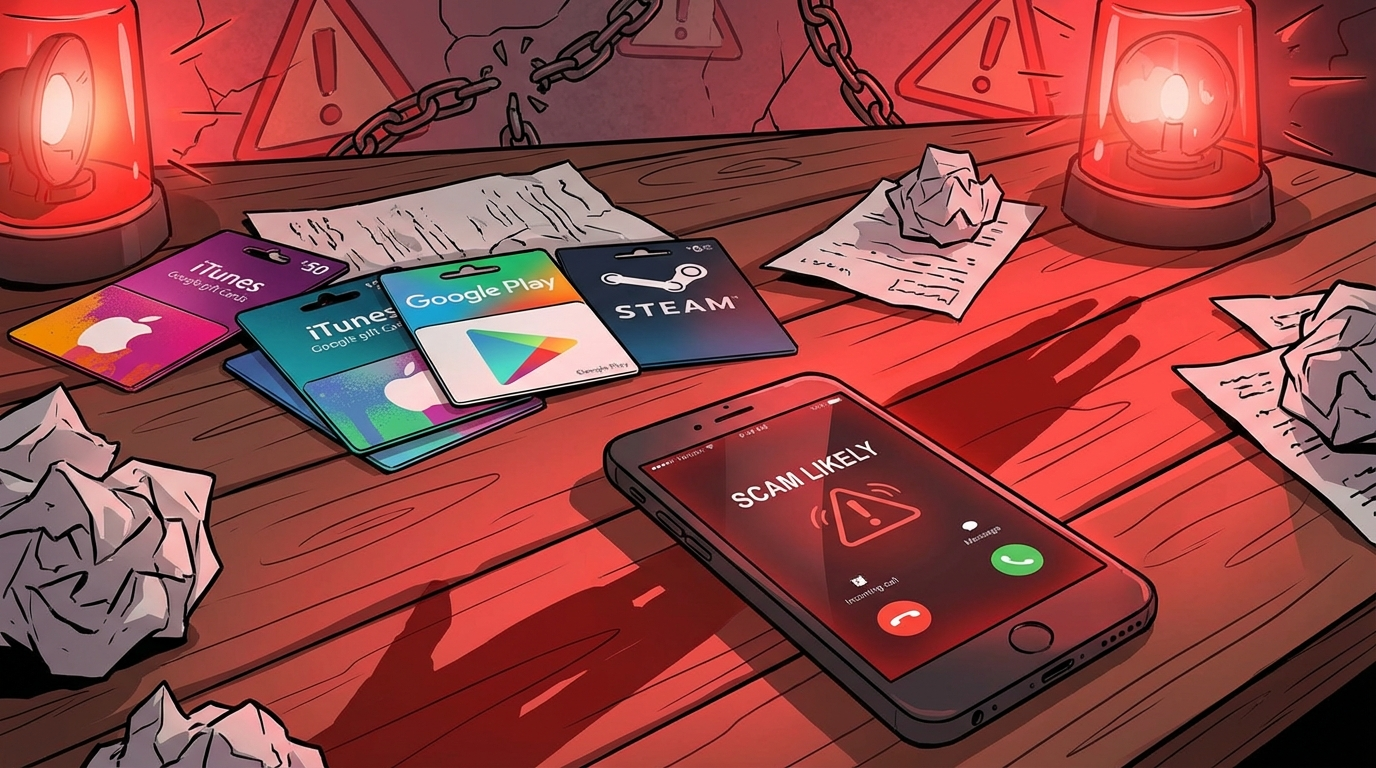
💡 有啲騙徒直接收信用卡。有啲要求買禮品卡(更難追蹤)。有啲會趁遙距控制緊你部機,打開你嘅網上銀行直接轉賬。